

Open the page
Navigate to the HTTP or HTTPS page you want to capture.

UST Bilişim delivers web design, custom software, e-commerce infrastructure and customer portal solutions from one central team.
Customer Panel Get a QuoteChrome full page screenshot extension for capturing an entire web page as one PNG with a single click. Fast, private and processed locally.

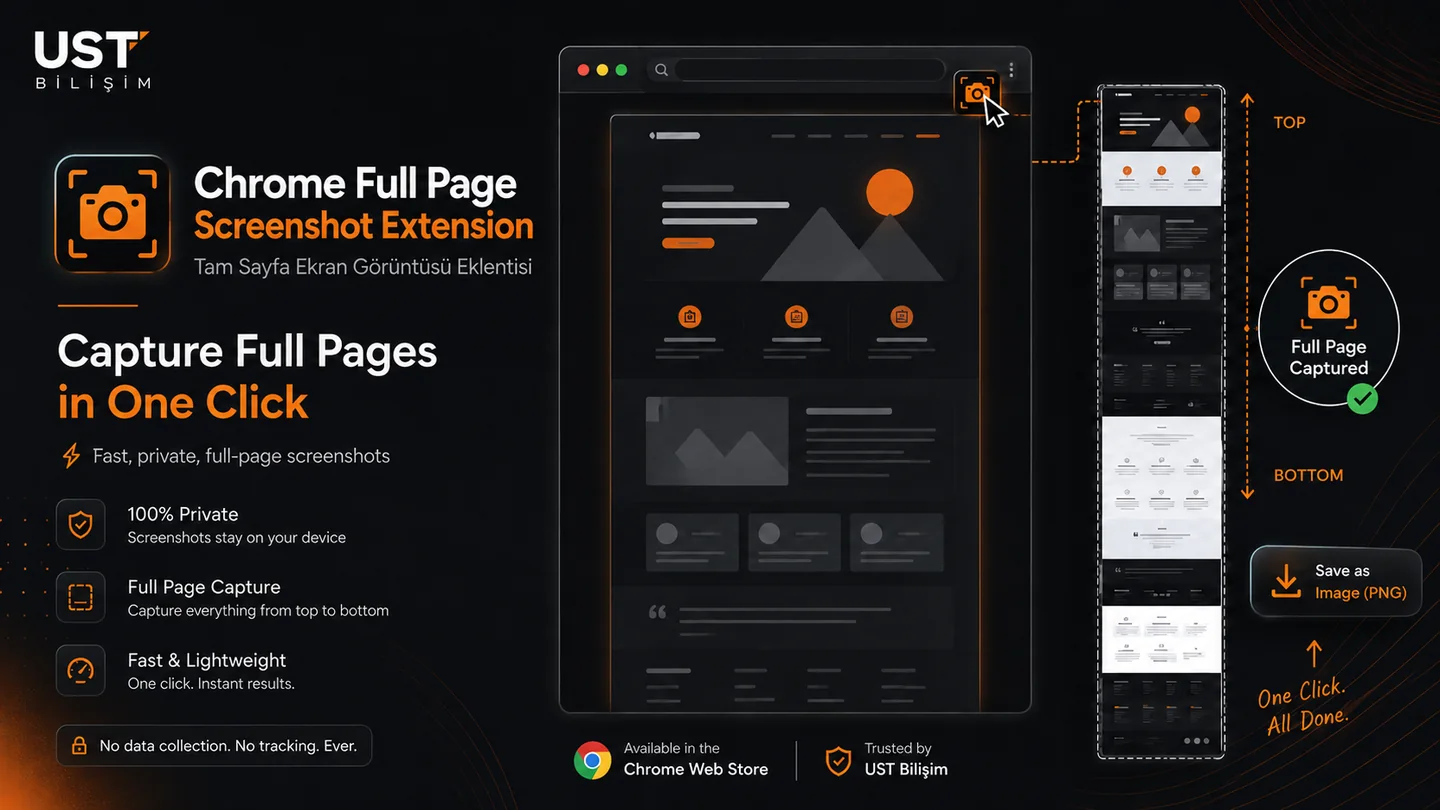
Full Page Screenshot by UST is a Chrome full page screenshot extension that scans long pages, prepares lazy-loaded content, captures the page from top to bottom and combines the result locally in Chrome as one PNG.
If you are looking for a Chrome full page screenshot extension, Full Page Screenshot by UST captures the entire webpage from top to bottom and saves it as a single PNG. It is designed for long websites, lazy-loaded images, sticky layouts and everyday browser workflows.
Navigate to the HTTP or HTTPS page you want to capture.
Click the extension icon and keep the active tab visible while the page is prepared and captured.
Use Save As, Chrome’s configured download location or a selected local folder.
Screenshots, page content and browsing history are not uploaded to UST Bilişim servers.
No. Screenshot processing and image composition are performed locally in Chrome.
Some websites load images and sections only when they enter the viewport. The pre-scan prepares that content before the final capture pass.
The capture is cancelled by default so another tab cannot be captured accidentally.
Chrome protects root folders such as Desktop. Set Chrome’s download location to Desktop or select a normal subfolder such as Desktop/Screenshots.
If a specific website does not capture as expected, send the page URL and Chrome version to UST Bilişim.